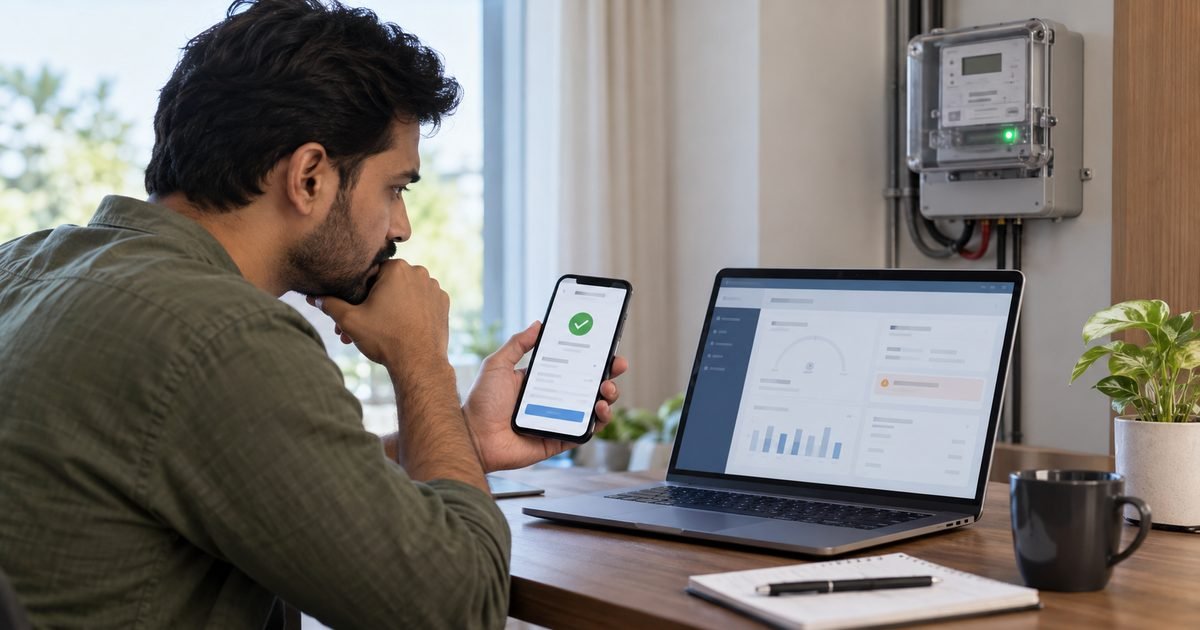
If your smart meter recharge is not updated after the money leaves your bank account, do not immediately pay again. First confirm whether the payment is completed in the electricity provider’s system, whether it was made for the correct consumer number, and whether the recharge was credited to the wallet or used to settle an older amount.
A successful bank debit and an updated prepaid electricity balance are related but separate steps. This guide explains how to trace the payment, avoid duplicate recharges, and submit a useful complaint to your electricity distribution company (DISCOM) in India.
Smart Meter Recharge Not Updated: First Checks
Many Indian utilities let prepaid users recharge through official websites, utility apps, and approved payment services. For example, the Government of India’s service listing for Uttar Pradesh smart prepaid recharge describes online balance checking and digital payment. The exact screens and payment workflow differ by state and provider.
Before troubleshooting, gather your consumer number, meter number if available, recharge amount, transaction date, bank or UPI reference, receipt, and a screenshot of the balance. Hide sensitive information if you need to share the case publicly.
Step 1: Check the payment status in two places
Start with the banking or UPI app. It may say successful, processing, pending, or failed. Then open the official DISCOM app or portal and check recharge history. Look for the same amount and transaction reference. A debit in your bank account alone does not establish that the utility credited the intended electricity account.
If the provider shows pending, note the reference and follow the provider’s instructions. If the transaction appears successful there but the wallet is unchanged, the problem is more likely related to posting, account allocation, a delayed balance display, or a further adjustment.
Step 2: Confirm the consumer number and meter account
A recharge can be sent to the wrong connection when an old consumer number remains saved in an app or several family accounts look similar. Compare the payment receipt with the consumer number on a recent official bill and the active smart meter account.
Also check for a recently changed consumer ID after a meter installation or account migration. Never guess that an old number still routes to your current meter. If there is a mismatch, contact the utility and payment provider promptly with the receipt, rather than attempting to move funds through an unofficial agent.
Step 3: Check the full ledger, not only the balance
A payment can appear in recharge history while the displayed remaining balance rises by less than the amount paid. This does not always mean the money disappeared. Older dues, an installment, a recovery item, or another authorized adjustment may have been applied. You need an itemized transaction statement to know.
Look for entries such as recharge credit, outstanding bill recovery, wallet update, or payment toward arrears. Some government utility portals provide these as separate fields. If the ledger is unclear, ask the DISCOM to identify exactly how the payment was allocated.
Step 4: Refresh the official app and compare timestamps
The meter, communications network, and payment system may update at different times. An app could show a cached balance while the back-office payment ledger has already changed. Sign out and sign back in if appropriate, refresh the history, and check the time of the last update.
Do not erase payment evidence while trying to solve the issue. Save a screenshot of the old and new balances with timestamps. If your connection has a meter display, note its relevant balance screen without touching the seal or electrical enclosure.
Step 5: Know whether your system uses a recharge token
Some prepaid systems use a recharge token that must be entered into the meter; others automatically apply a credit remotely. Follow only your own utility’s instructions. A generic guide cannot assume that every smart meter has a keypad or requires a code.
For an example of how provider-specific rules work, the Nagaland Department of Power’s published refund policy distinguishes situations in which a token was not generated from those where a token was generated. It is a Nagaland policy, not a universal rule for every state.
Step 6: Avoid making an unnecessary second recharge
If the bank says a payment succeeded but the utility has not posted it, repeating the same amount immediately may create two credits or two separate disputes. Check status and ask the provider before trying again. The best next action depends on whether power is still available and whether the first transaction is genuinely pending.
If a low or zero balance puts your supply at risk, contact the official utility helpline to ask about emergency credit, payment confirmation, and reconnection options. Government smart-meter guidance discusses these features, but their availability and eligibility differ across connections.
Step 7: Submit a complete recharge complaint
Use the grievance contact shown on the official electricity bill or DISCOM website. Include the consumer number, transaction amount, date and time, payment channel, bank or UPI reference, utility receipt number if any, and screenshots showing that the balance was not credited. Describe whether the payment was missing from the ledger or appeared without changing the displayed balance.
Ask the support team to confirm one of three outcomes: posted to the correct account, pending with an expected resolution path, or unsuccessful and subject to the provider’s reversal or refund process. Keep the complaint number and any written reply.
What if the bank says successful but the utility says failed?
The money may be in a settlement or reconciliation process between the payment provider and the utility. You should not assume a universal refund period. Follow your bank’s or payment app’s documented transaction-dispute process, as well as the DISCOM’s complaint procedure, and use the same reference number in both reports.
Document when the money was debited, when the electricity account failed to update, and what each provider confirmed. If you eventually receive a refund or the wallet credit, verify the transaction history before closing the case. Keep the record until you are sure there was no duplicate credit or outstanding dispute.
What if you recharged the wrong consumer account?
Contact the provider as soon as you notice the error. Provide your transaction receipt, the consumer number entered, the correct consumer number, and the exact amount. Whether the credit can be transferred, reversed, or refunded depends on the utility’s rules and whether the original recharge was applied.
Never ask a stranger who controls the other account to send you account credentials or private data. Instead, let the provider evaluate the transaction using its official process. A bank may be unable to reverse an authorized payment after a completed merchant transaction, so early reporting matters.
What if electricity stays disconnected after a recharge?
First determine whether the recharge reached the electricity account. Then check whether the provider lists the connection as disconnected, suspended for another reason, or awaiting an authorized reconnection step. Some systems reconnect automatically after a valid credit, while others require further action.
If there is no power, confirm that the issue is not a neighborhood outage or household protective-device trip, but do not tamper with the meter. Report the status to the DISCOM’s emergency or customer-care line. State clearly that payment was made and supply has not resumed.
How to protect yourself from recharge scams
Search results and text messages sometimes contain imitation payment links. Use your saved official utility portal, an established payment service, or the website printed on your bill. Check the consumer number before authorizing any payment. Do not trust a caller who demands immediate remote access to your phone.
Never share an OTP, UPI PIN, card PIN, or password to receive a refund. You do not need to approve a new payment simply to obtain a reversal. If you suspect fraud, contact your bank promptly using its official channel.
Keep a simple recharge record going forward
Save each receipt and note the recharge date, amount, consumer account, and balance before and after. A record helps you notice a posting problem early and identify any pattern of repeated delays. It also helps separate the recharge credit from the electricity charges that reduce your balance afterward.
If you want to understand whether the wallet is falling because of actual consumption, use the site’s power consumption calculator for a rough appliance estimate and compare that figure with your utility’s reported units. A calculator cannot confirm whether a particular payment was credited.
FAQs About a Missing Smart Meter Recharge
Q. Is a successful UPI payment enough proof that my meter was recharged?
A. No. It confirms a payment status reported by the payment app, but the utility must also associate the credit with the correct electricity account.
Q. How long does a failed recharge refund take?
A. Timing depends on the utility, payment provider, and transaction status. Check the specific published refund policy rather than assuming the same deadline across India.
Q. Should I recharge again if electricity has already disconnected?
A. Confirm the earlier payment’s status and contact the official utility support line promptly. Ask whether emergency credit, reconnection, or a verified new payment is needed.
Q. Can I get a recharge receipt after losing the original?
A. Often you can find a receipt or reference in the official app, utility portal, or payment history. Available retrieval options differ by provider.
Conclusion
When a smart meter recharge is not updated, verify the consumer number, payment and utility histories, wallet ledger, and last update time before paying again. Keep receipts and file a documented complaint when the credit remains unresolved.
Disclaimer
This article is for general educational purposes. Recharge processing, refunds, balance posting, and reconnection rules vary by Indian DISCOM and payment provider. Use official support and current provider policies for your case.