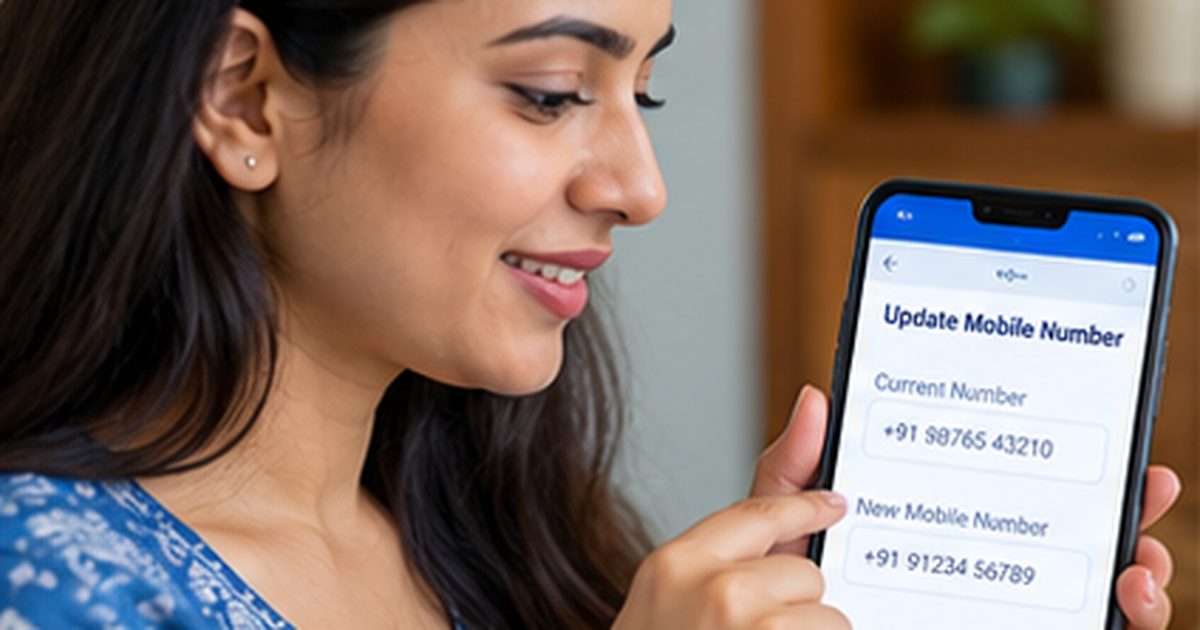
To understand how to change mobile number in electricity bill, open your electricity company’s official customer portal or mobile app and look for Update Contact Details, Update Profile, or Registered Mobile Number. Enter the consumer number and complete the required OTP or identity verification. If your provider does not offer online changes, submit the request through its service center.
Keeping the correct mobile number can help you receive bill alerts, payment confirmations, outage notices, and account verification messages. The steps differ by DISCOM, so this guide covers the common routes and explains what to do when you have lost access to your old SIM.
How to Change Mobile Number in Electricity Bill
First identify your distribution company from a recent electricity statement. You will usually need the consumer or account number, the new mobile number, and whichever verification details your provider requires. A phone number is a contact field attached to the electricity account; changing it does not automatically change the registered consumer’s name or property details.
- Visit the official DISCOM website or verified consumer app.
- Open Consumer Services, My Account, Profile, or Update Contact Details.
- Choose the request to add, correct, or replace the registered mobile number.
- Enter the electricity account identifier and the new phone number carefully.
- Complete any OTP, login, or document verification required by the provider.
- Submit the change and save any confirmation or service-request number.
- Check the profile later to ensure the new number is actually registered.
For example, the UPPCL mobile-update portal lists Update Contact Details and Update Mobile using Aadhaar among its services. The Mahavitaran app page says its app supports updating a consumer’s mobile number and email address. Do not assume that both utilities use the same verification steps.
Find your consumer number before starting
The account number is typically printed near the top of a paper or PDF electricity bill. Other providers may call it the Consumer ID, CA No., Service Connection No., or another label. The registered mobile number itself is not necessarily enough to find or access the account.
If you have misplaced the bill, look at a previous verified utility email, SMS, or payment receipt. When account recovery is not available online, customer support may ask you to visit an office with identity proof. See our consumer-number guide for help distinguishing account and meter identifiers.
Change the phone number through the DISCOM website
Open the company’s official site in a browser and sign in if requested. Look for profile settings or contact updates. Some utilities offer a dedicated form that works without a conventional login but still requires account validation.
Enter the new number twice if the form provides a confirmation field. Review your other saved contact details and verify that the electricity service address matches your account. Do not submit an update through an unknown shortened URL sent in an unsolicited SMS.
If the portal gives a confirmation number, keep it until you receive a successful update notice. Some companies apply changes immediately; others review them before the new number appears in billing records.
Update your mobile number using a verified utility app
Find the app through the official DISCOM website or an authenticated app-store listing. Sign in and open Profile, Consumer Details, or Contact Details, depending on the app. If you have more than one electricity connection, select the correct account.
After entering the new number, you may receive an OTP on the new phone, the old phone, or both. Different security flows protect different types of account changes. Read the instructions on-screen rather than assuming that every app allows a change using only the new SIM.
Once the app confirms the update, log out and sign in again if it asks you to refresh your profile. Take a private screenshot of the success screen, but do not share it publicly if it shows your account number or address.
What if you no longer have your old mobile number?
Lost access to the previous SIM is a common problem. Some portals let a verified consumer complete an alternate identity process. Others require a customer-care request, physical verification, or a service-office visit.
Use the contact information published by the utility to ask for its official old-number-unavailable procedure. You may need the latest bill, account identifier, and accepted identification or authorization documents. Never borrow someone else’s identity or attempt to bypass a required OTP.
If you recently changed your SIM but kept the same phone number, you may not need an electricity-account update at all. A SIM replacement and a phone-number change are different events.
Can a family member update the registered number?
The answer depends on the utility’s authorization and identity rules. A family member might pay the bill but not have the authority to change account contact records. The DISCOM may require the registered consumer’s consent or documentation from an authorized representative.
If the registered consumer has died, is unavailable, or has legally transferred the property, ask whether a contact update or a broader connection-transfer procedure is needed. Changing the mobile number alone does not transfer contractual responsibility for the connection. If the registered account holder needs updating too, see how to change the name on an electricity bill.
What if the OTP does not arrive?
Check that the phone has network coverage and can receive SMS. Confirm whether the OTP was sent to the current registered number or the proposed new number. Wait for the displayed resend interval before trying again.
Repeated rapid requests may trigger temporary limits. If the message still does not arrive, review whether your number was typed correctly and contact the utility through an official support channel. Do not share any OTP with a caller claiming to resolve delivery problems.
Why your bill may still show the old number
An online contact change does not always alter a PDF bill that was generated earlier. A current statement is a record of the information used at issue time. Check the consumer profile or the next bill after the change has been confirmed.
If the following bill and account profile continue to show the wrong number, use your saved service request to ask for correction. Confirm whether the change was submitted, approved, or merely saved as a draft. A portal can display these as different stages.
How to update your email address and bill alerts
Some customer services allow a mobile number and email address to be maintained separately. Check both when you open the account profile. A correct email can provide a backup place to receive e-bills or official notifications.
If your DISCOM offers SMS, WhatsApp, or email billing alerts, enable only the services you want and review the consent options. Not every utility sends every notice through every channel. Keep checking your official bill even when alerts are delayed.
Do you need to pay a fee to update the number?
Do not assume a nationwide fee, free service, or same-day processing rule. Check your own DISCOM’s current instructions. If any official charge applies, it should be supported by an authorized payment notice or published fee schedule.
Be suspicious if someone calls and says your electricity will be disconnected unless you install a remote-access app or transfer money to a personal number for mobile updating. Verify urgent claims through the provider’s publicly listed customer-care contact.
Check your information after the change
Within the account section, confirm the consumer name, service address, mobile number, and email. Keep the acknowledgement until your profile and future notices reflect the change. If one connection is shared by household members, agree who should receive the account notifications.
Next time you check your electricity bill on your phone, look for updated contact details and bill alerts. A correct contact record makes later complaints and payment verification easier, but you should still save each receipt.
FAQs About How to Change Mobile Number in Electricity Bill
Q. Can I update my number without the old SIM?
A. Sometimes. Ask your DISCOM about alternate verification or an in-person request if you cannot receive OTPs on the old number.
Q. Will changing the mobile number change the account holder’s name?
A. No. Name correction or connection transfer is a separate process.
Q. Can I use the same mobile number for two connections?
A. Some utilities support multiple accounts with one contact number, but you must check the provider’s current rules.
Q. How do I know the update worked?
A. Check the utility’s confirmation and current profile details, then verify that future official communications use the new number.
Conclusion
The safest way to handle how to change mobile number in electricity bill is through the official DISCOM portal, app, or service center. Complete the provider’s identity checks and verify the new contact information before relying on bill alerts.
Disclaimer
This is general educational guidance. Required verification, authorization, processing time, fees, and available features depend on the electricity provider and individual account circumstances.